
QMe
UX/UI project

The problem
Contacting a customer service center is a frustrating process. First, you need to make sure that customer service is even operating now. If not, you need to check exactly when the service is active, put it in your calendar, clear time to call, and then sit and wait for an answer, which can take a very long time.
The need
To manage the customer service call as easily, effortlessly as possible, and save valuable time.
The solution
An app that calls on your behalf and connects you only when it's your turn. All you need to do is select the company and the desired extension, and the app will take care of calling during the call center's operating hours and staying on hold until they answer you.
Why are you still waiting in line?
QMe Keeps your queue for you


What Does it Do
How QMe makes your customer service experience better
01
Saves you the wait
You can you go on with your schedule without worrying about missing the call with customer service.
02
Synchs with your calendar
So you aren't bothered during meetings, workouts or lunch. Qme makes the call for you, and connects you only when both you and the representative are available.
03
Records, Summarizes & Files
saves a voice recording of the phone call, creates a transcript and an AI summary, and saves any additional information, vouchers or papers related to that phone call.

Branding
The name QMe is an abbreviation of 'queue me', which gave our team the inspiration for the queue ticket icon.
A palette of lively grass greens that convey freshness, relaxation and security and are dominant colors in the world of communications apps. The background color is a calm light gray. Two more light shades of green were added for depth and use in gradients.


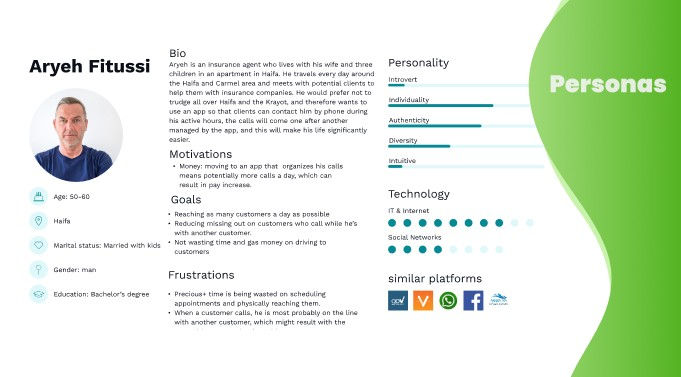
A real problem solver
Not only for customers - for businesses, too!
QMe provides an easy way for businesses to handle and schedule customer support queues, making sure all customers are reached with no waiting time.
